
Artificial intelligence is no longer a futuristic concept reserved for tech companies and enterprise software solutions. In 2026, AI has become a daily companion for students, helping them study smarter, manage workloads, improve research quality, and save valuable time.
Yet there’s a problem.
Search for AI apps online and you’ll find hundreds of tools claiming to revolutionize education. Most are either too expensive, overloaded with premium restrictions, or simply don’t deliver meaningful results.
That’s why we’ve tested and evaluated dozens of platforms to identify the free AI tools for students that genuinely make a difference.
Whether you’re preparing for exams, writing assignments, conducting research, learning programming, or organizing your academic life, these tools can help you work more efficiently without spending a dollar.
Let’s explore the five AI-powered solutions that are actually worth using in 2026.
Table of Contents
Why Students Are Turning to AI Faster Than Ever
The education landscape has changed dramatically over the last few years.
Students are no longer using AI solely for generating essays. Modern AI platforms now assist with:
- Research and fact-checking
- Note summarization
- Study planning
- Coding assistance
- Language learning
- Presentation creation
- Productivity management
- Career preparation
With universities increasingly embracing AI literacy, learning how to use these technologies responsibly has become an essential skill.
The key is choosing tools that improve understanding rather than replacing learning.
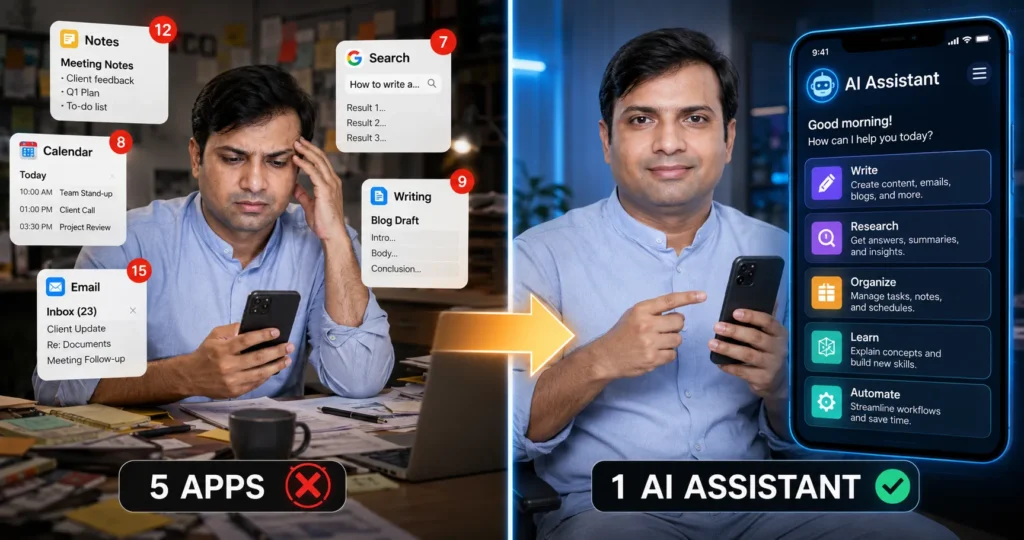
Top 5 Free AI Tools for Students in 2026
1. ChatGPT – The Ultimate Study Companion
When discussing the best AI tools for studying, ChatGPT remains one of the most versatile options available.
Students use it for:
- Explaining difficult concepts
- Creating study guides
- Summarizing chapters
- Practicing interview questions
- Learning programming
- Brainstorming project ideas
Instead of simply asking for answers, students can request step-by-step explanations that improve understanding.
Real-World Example
A computer science student struggling with Python debugging can paste code into ChatGPT and receive detailed explanations about errors and possible fixes.
This approach transforms AI from an answer machine into a personal tutor.
Best For
- Homework assistance
- Coding support
- Exam preparation
- Research brainstorming
Students can sign up for ChatGPT and explore AI-powered study assistance through OpenAI’s official platform: https://chatgpt.com/
2. Microsoft Copilot – Research and Productivity Powerhouse
Microsoft continues expanding AI throughout its productivity ecosystem.
Copilot integrates seamlessly with:
- Word
- Excel
- PowerPoint
- OneNote
- Edge Browser
For students working on reports, presentations, and data analysis, Copilot offers a significant productivity boost.
Among modern student productivity tools, few provide such deep integration with everyday academic workflows.
Why Students Like It
- Generates presentation outlines
- Summarizes research sources
- Organizes notes
- Helps create project plans
Students already using Microsoft 365 can often access many AI capabilities without additional costs.
Microsoft provides free access to Copilot, which integrates with productivity workflows: https://copilot.microsoft.com/
3. NotebookLM – The Research Assistant Built for Learning
One of the most underrated AI tools for homework and research is NotebookLM.
Developed by Google, it allows students to upload:
- PDFs
- Lecture notes
- Research papers
- Study guides
The AI then answers questions using only the uploaded sources.
This is a major advantage because it reduces the risk of hallucinated information.
Why It Stands Out
Instead of pulling information from across the internet, NotebookLM works directly from your learning materials.
Students preparing dissertations, research projects, and literature reviews can save hours every week.
Google’s NotebookLM allows students to upload notes and research materials for AI-assisted learning: https://notebooklm.google.com/
Best Use Cases
- Exam preparation
- Academic research
- Source summarization
- Literature reviews
4. GitHub Copilot Free – Coding Help for Students
Programming students often spend countless hours debugging simple mistakes.
GitHub Copilot can dramatically reduce this frustration.
As one of the most useful AI apps for students studying software development, it provides:
- Code suggestions
- Auto-completion
- Bug detection
- Function generation
- Documentation assistance
Beyond the Classroom
Coding skills are increasingly important in fields such as:
- Data science
- Cybersecurity and online protection
- Cloud computing platforms
- Automation software
- SaaS tools for business growth
Students who learn to work alongside AI coding assistants gain a valuable advantage in the job market.
Programming students can learn more about GitHub Copilot and available student benefits at: https://github.com/features/copilot/
5. Perplexity AI – Smarter Search for Research
Traditional search engines often require opening multiple tabs to find trustworthy information.
Perplexity AI changes this process.
It combines conversational AI with source-backed answers.
For students conducting research, this means:
- Faster information gathering
- Citation-friendly responses
- Better source discovery
- More efficient learning
Among today’s free study tools powered by AI, Perplexity has become a favorite for academic research.
Best For
- Research projects
- Fact verification
- Quick topic exploration
- Source discovery
Students looking for source-backed AI research assistance can try Perplexity AI: https://www.perplexity.ai/
Comparison Table: Which AI Tool Is Best for You?
| Tool | Best For | Free Version | Beginner Friendly |
|---|---|---|---|
| ChatGPT | Studying, explanations, writing | Yes | Excellent |
| Microsoft Copilot | Productivity and research | Yes | Excellent |
| NotebookLM | Research and note analysis | Yes | Excellent |
| GitHub Copilot | Programming and coding | Yes | Good |
| Perplexity AI | Research and fact-checking | Yes | Excellent |
Data Insight: How Students Are Using AI in 2026
Recent educational technology trends indicate students primarily use AI for:
| Activity | Estimated Usage |
| Research Assistance | 35% |
| Study Notes | 25% |
| Assignment Support | 20% |
| Coding Help | 12% |
| Presentation Creation | 8% |
The biggest shift in 2026 isn’t AI replacing learning.
It’s AI helping students learn faster while spending more time on critical thinking and creativity.
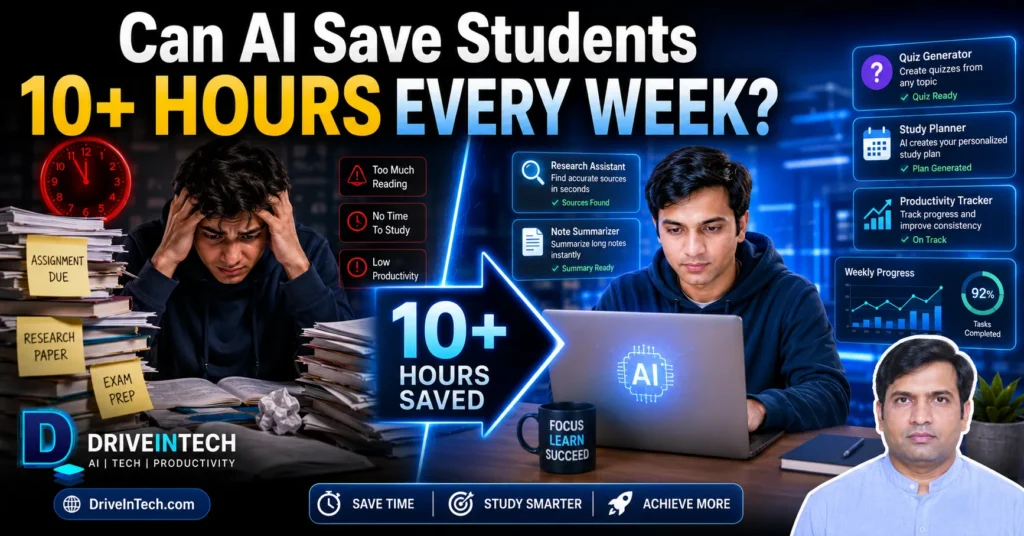
Expert Tips for Getting Better Results from AI
Many students use AI incorrectly.
Follow these best practices:
Ask Better Questions
Instead of:
“Explain photosynthesis.”
Try:
“Explain photosynthesis like a biology professor teaching first-year university students.”
Verify Important Information
Always cross-check:
- Academic facts
- Research claims
- Statistics
- Citations
Use AI as a Tutor
Ask:
- Why?
- How?
- What if?
These questions deepen understanding.
Combine Multiple Tools
A powerful workflow might look like:
- Research with Perplexity
- Analyze sources with NotebookLM
- Summarize concepts using ChatGPT
- Build presentations with Copilot
Common Mistakes Students Make with AI
Copying Answers Directly
AI should support learning, not replace it.
Ignoring Source Verification
Always verify critical information.
Using One Tool for Everything
Different tools excel at different tasks.
Overlooking Privacy
Avoid uploading sensitive personal information.
This is especially important when using cloud computing platforms, online collaboration tools, and third-party AI services.
How AI Skills Could Help Students Beyond Graduation
Employers increasingly value professionals who understand AI workflows.
Many industries now integrate AI into:
- Digital marketing strategies
- Business automation
- Data analytics
- Cybersecurity operations
- Enterprise software solutions
- Online business monetization systems
Students who learn responsible AI usage today may gain significant career advantages tomorrow.
Final Thoughts
The conversation around AI in education has evolved.
The question is no longer whether students should use AI.
The real question is how they can use it effectively and responsibly.
The best free AI tools for students in 2026 are not those that provide shortcuts. They’re the ones that help learners understand concepts faster, conduct better research, stay organized, and build valuable future-ready skills.
If you’re just starting, begin with ChatGPT and NotebookLM. Once you’re comfortable, add Copilot, GitHub Copilot, and Perplexity to create a powerful AI-enhanced learning workflow.
Students who learn how to work alongside AI today will likely be the ones leading tomorrow’s digital economy.
FAQs on Free AI Tools for Students
What are the best free AI tools for students in 2026?
ChatGPT, Microsoft Copilot, NotebookLM, GitHub Copilot, and Perplexity AI are among the most useful free options available today.
Can students use AI for homework?
Yes. AI can help explain concepts, organize information, and improve understanding. However, students should avoid submitting AI-generated work without review.
Which AI tool is best for studying?
ChatGPT and NotebookLM are widely considered among the best AI tools for studying due to their ability to explain concepts and summarize learning materials.
Are AI tools safe for students?
Most major AI platforms are safe when used responsibly. Students should avoid sharing sensitive personal information and review privacy settings.
Can AI help students make money online?
Yes. AI can assist with freelancing, content creation, coding projects, digital marketing, and online business monetization systems when used ethically.
Which AI tool is best for research?
NotebookLM and Perplexity AI are excellent choices for academic research because they focus on source-backed information and document analysis.
Will AI replace studying?
No. AI works best as a learning assistant that enhances understanding rather than replacing critical thinking and academic effort.

Israr Ahmed Technology educator and IT professional specializing in networking, cybersecurity, software solutions, and digital systems. Founder of DriveInTech, delivering practical tutorials, AI tools, SEO strategies, and real-world digital solutions.