
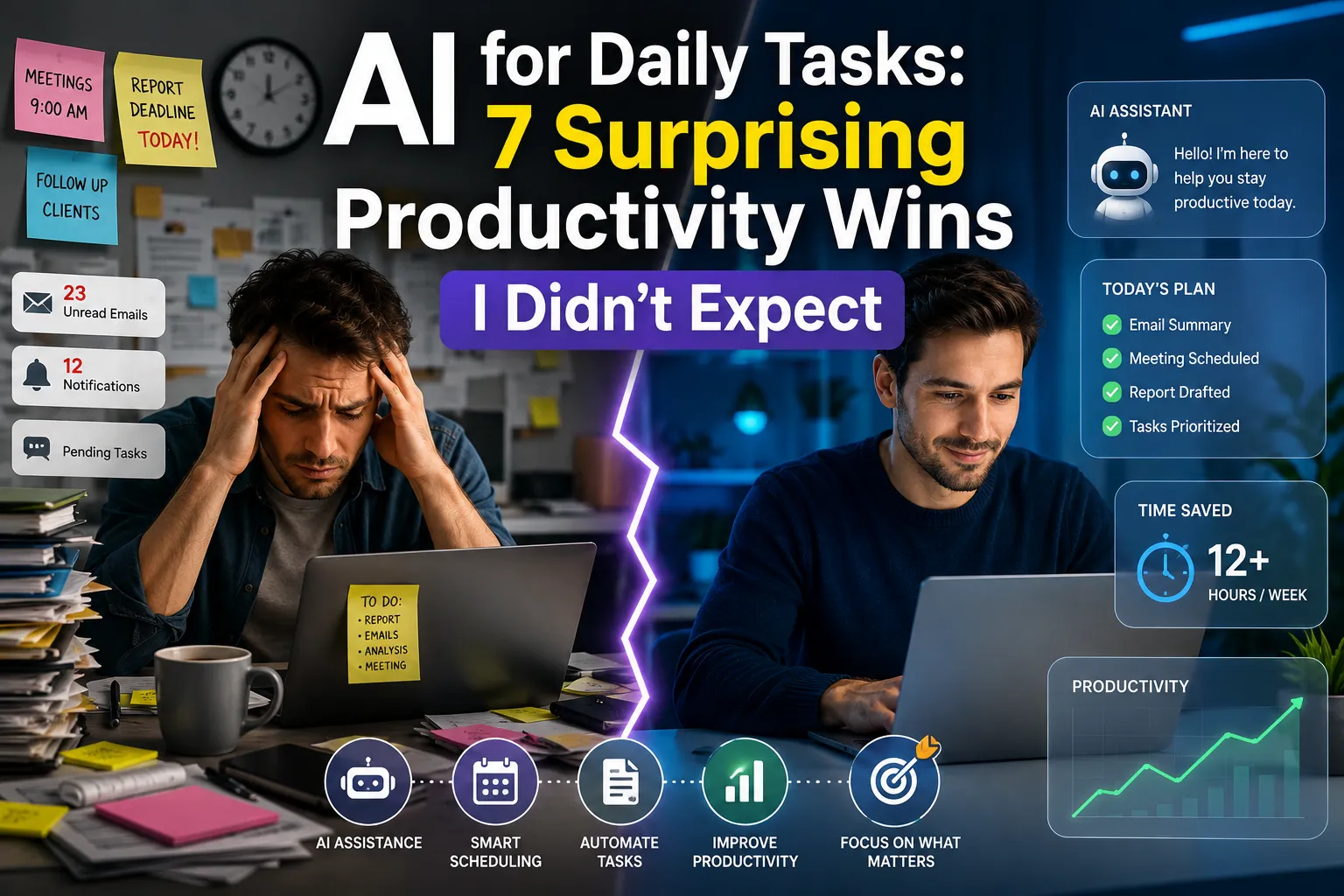
Artificial intelligence is no longer a futuristic concept reserved for developers, enterprise software teams, or Silicon Valley startups. In 2026, AI has quietly become a practical tool that millions of people use every day—often without realizing it.
Like many professionals, I was skeptical.
I had seen countless claims about AI saving hours of work, improving productivity, automating repetitive tasks, and acting as a personal assistant. But most of those promises sounded exaggerated.
So I decided to run a simple experiment.
For 30 days, I used AI to handle as many daily activities as possible—from email management and scheduling to content planning, research, budgeting, and digital organization.
The goal wasn’t to replace my work.
The goal was to find out whether AI for Daily Tasks could genuinely improve my productivity without creating more complexity.
What happened surprised me.
Read also: Best Free AI Tools You Should Start Using Today (2026 Edition)
Table of Contents
Why I Decided to Use AI Every Day
The average professional spends hours every week performing repetitive digital tasks.
These include:
- Writing emails
- Organizing calendars
- Searching for information
- Managing documents
- Creating reports
- Scheduling meetings
- Taking notes
- Planning projects
The rise of AI tools for everyday life promised to reduce this burden.
Major technology companies including OpenAI, Google, Microsoft, Meta, Amazon, Apple, and IBM have invested heavily in AI-powered productivity systems that are now integrated into apps people use daily.
Instead of reading marketing claims, I wanted firsthand experience.
The Rules of My 30-Day Experiment
To make the test realistic, I established three rules:
Rule 1: Use AI Before Doing Anything Manually
If a task could be assisted by AI, I tried AI first.
Rule 2: Keep Human Oversight
AI could suggest, draft, summarize, and organize.
Final decisions remained mine.
Rule 3: Measure Time Saved
I tracked:
- Time spent before AI
- Time spent after AI
- Productivity improvements
- Errors and corrections
This created a fair comparison.
Automating Daily Tasks With AI: What I Used
Here are the primary categories where AI became part of my workflow.
Email Management
AI drafted:
- Client responses
- Follow-up emails
- Meeting confirmations
- Professional summaries
Instead of spending 10 minutes writing an email, I often spent 2–3 minutes editing one.
Calendar and Scheduling
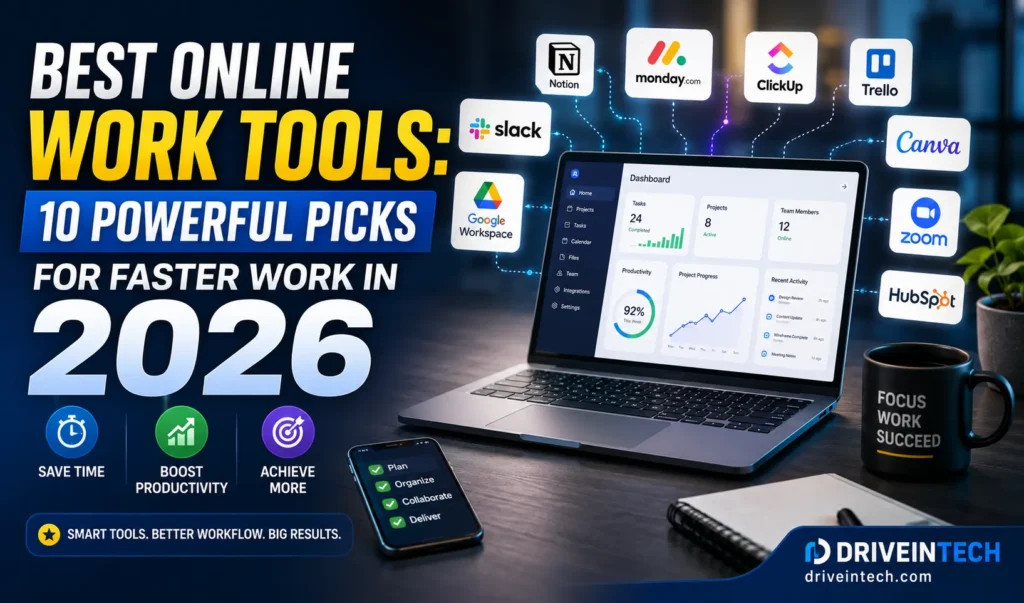
Modern personal AI assistant tools can:
- Suggest meeting times
- Schedule appointments
- Create reminders
- Prioritize tasks
This reduced calendar management significantly.
Research and Information Gathering
Instead of opening dozens of browser tabs, AI generated:
- Topic summaries
- Industry overviews
- Comparison reports
- Quick explanations
This became one of the biggest productivity gains.
Many professionals now use OpenAI productivity tools to automate research, summarize documents, and streamline everyday workflows.
Content Planning
As someone involved in digital publishing and content creation, AI helped with:
- Blog outlines
- Keyword clustering
- SEO research
- Headline testing
- Content briefs
It accelerated planning without replacing creativity.
Personal Organization
AI also helped with:
- Shopping lists
- Daily schedules
- Travel planning
- Expense tracking
- Goal setting
These smaller improvements added up quickly.

7 Surprising Productivity Wins I Didn’t Expect
1. Decision Fatigue Dropped Dramatically
One of AI’s biggest benefits wasn’t speed.
It was reducing mental effort.
Instead of constantly deciding where to start, AI helped prioritize tasks.
This made workdays feel less overwhelming.
2. Research Became Faster Than Ever
Research that previously required 45 minutes often took 10–15 minutes.
AI didn’t replace verification, but it dramatically accelerated information gathering.
This is particularly valuable for:
- Digital marketers
- Content creators
- Entrepreneurs
- Students
- Business owners
3. Meetings Became More Productive
AI-generated summaries and action items eliminated many manual notes.
After meetings, I received:
- Key takeaways
- Task assignments
- Follow-up recommendations
Nothing was forgotten.
Platforms such as Microsoft AI Copilot are helping users draft emails, manage meetings, and improve workplace efficiency.
4. Small Tasks Stopped Interrupting Deep Work
One surprising outcome was fewer interruptions.
Instead of switching contexts repeatedly, AI handled small administrative tasks in the background.
This protected focus time.
5. Better Time Management
I discovered hidden inefficiencies.
AI highlighted:
- Low-value activities
- Scheduling conflicts
- Missed deadlines
- Productivity bottlenecks
This improved planning accuracy.
6. Content Creation Became More Strategic
Many people assume AI only writes content.
In reality, it helped more with strategy.
AI identified:
- Trending topics
- Search opportunities
- Audience interests
- Content gaps
This improved publishing decisions significantly.
7. I Saved More Time Than Expected
I expected minor improvements.
Instead, I consistently saved several hours each week.
The cumulative effect was substantial.
Comparison Table: Before vs After AI
| Activity | Before AI | After AI | Improvement |
|---|---|---|---|
| Email Writing | 10 min | 3 min | 70% Faster |
| Research | 45 min | 15 min | 67% Faster |
| Meeting Notes | 20 min | 5 min | 75% Faster |
| Content Planning | 2 Hours | 45 min | 62% Faster |
| Scheduling | 15 min | 5 min | 66% Faster |
| Daily Organization | 30 min | 10 min | 67% Faster |
Which AI Tools Delivered the Biggest Value?
The most effective tools weren’t necessarily the most advanced.
They were the tools used consistently.
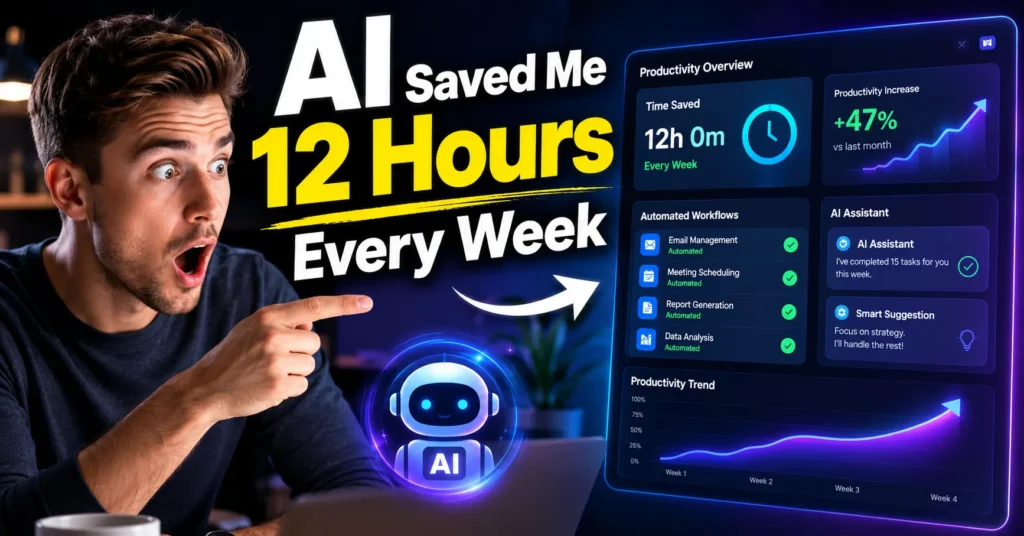
Best Categories of AI Tools
Personal AI Assistant Tools
Useful for:
- Scheduling
- Reminders
- Task management
- Daily planning
AI Tools for Business Automation
Excellent for:
- Customer support
- Workflow automation
- CRM updates
- Data processing
Automation Software
Helpful for:
- Repetitive digital workflows
- File management
- Team collaboration
Tech Productivity Tools
Strong performance in:
- Note-taking
- Research
- Documentation
- Project management
Data Breakdown: Weekly Time Saved
Based on four weeks of tracking:
| Category | Weekly Time Saved |
|---|---|
| Email Management | 2.5 Hours |
| Research | 3 Hours |
| Scheduling | 1 Hour |
| Documentation | 2 Hours |
| Planning | 1.5 Hours |
| Miscellaneous Tasks | 2 Hours |
Total Weekly Time Saved
Approximately 12 Hours Per Week
Over a year, that’s more than 600 hours.
For many professionals, that’s the equivalent of several additional workweeks.
How AI Improves Productivity Beyond Simple Automation
Many people think productivity means doing more.
The real value is doing better work.
AI Helps By:
- Reducing repetitive tasks
- Improving consistency
- Supporting better decisions
- Organizing information faster
- Identifying workflow inefficiencies
This is why businesses increasingly invest in:
- SaaS tools for business growth
- Cloud computing platforms
- Enterprise software solutions
- Automation systems
- AI-powered collaboration tools
The trend is expected to accelerate throughout 2026.
Businesses are increasingly adopting Google AI Workspace features to automate routine tasks and enhance collaboration across teams.
AI and the Growing Digital Business Ecosystem
The impact extends beyond personal productivity.
AI now influences:
Digital Marketing Strategies
Marketers use AI for:
- Campaign planning
- Audience research
- Content optimization
- Ad performance analysis
Online Business Monetization Systems
Website owners increasingly rely on AI to:
- Improve SEO
- Analyze traffic
- Increase conversions
- Optimize advertising revenue
Cybersecurity and Online Protection
Modern AI tools assist with:
- Threat detection
- Fraud prevention
- Risk analysis
- Security monitoring
Data Privacy Tools
As AI adoption grows, protecting sensitive information becomes more important.
Organizations increasingly combine AI with:
- VPN services
- Cloud security systems
- Identity protection solutions
Expert Tips for Using AI More Effectively
Start Small
Don’t automate everything immediately.
Choose one workflow first.
Verify Important Information
AI can make mistakes.
Always review:
- Financial data
- Legal content
- Technical instructions
Create Better Prompts
Specific requests produce better outputs.
Clear instructions lead to better results.
Use AI as a Partner
The best results come from collaboration.
AI handles repetitive work.
Humans provide judgment, creativity, and context.
Common Mistakes New AI Users Make
Expecting Perfect Results
AI is powerful but not flawless.
Human review remains essential.
Automating the Wrong Tasks
Focus on repetitive activities first.
Not every task benefits from automation.
Ignoring Privacy Considerations
Be cautious when sharing:
- Sensitive business data
- Personal information
- Proprietary documents
Chasing Every New Tool
New platforms launch every week.
Consistency matters more than novelty.
The Future of AI Productivity in 2026
The next generation of AI is moving beyond chat interfaces.
We’re seeing:
- AI agents
- Autonomous workflows
- Real-time task automation
- Cross-platform assistants
- Context-aware productivity systems
Technology leaders such as OpenAI, Google, Microsoft, Amazon, Meta, Apple, Oracle, IBM, GitHub, and Cloudflare continue expanding AI capabilities across their ecosystems.
The biggest change isn’t that AI is becoming smarter.
It’s becoming invisible.
Soon, AI will quietly assist with daily work in the background, making productivity gains feel effortless.
Final Thoughts
When I began this experiment, I expected AI to save a few minutes here and there.
Instead, it transformed how I approached work.
The biggest surprise wasn’t the automation itself.
It was how much mental space AI freed up.
By handling repetitive processes, organizing information, and reducing friction, AI allowed me to focus more on strategy, creativity, and meaningful work.
For anyone still wondering whether AI for Daily Tasks is worth trying in 2026, the answer is simple:
Start small, stay curious, and use AI as a productivity partner rather than a replacement.
You may discover that the biggest benefit isn’t working faster—it’s working smarter.
FAQs on AI for Daily Tasks
Is AI for daily tasks actually useful?
Yes. AI can automate repetitive activities such as email drafting, scheduling, note-taking, research, and task management, helping users save significant time.
Can AI improve productivity for beginners?
Absolutely. Most modern AI tools are designed for non-technical users and can improve productivity with minimal setup.
What are the best AI tools for everyday life?
The best tools typically include AI assistants, scheduling tools, note-taking apps, content research platforms, and workflow automation software.
How much time can AI save each week?
The amount varies by profession, but many users report saving between 5 and 15 hours weekly through automation and productivity improvements.
Is AI safe for business use?
AI can be safe when combined with proper cybersecurity practices, privacy controls, secure cloud platforms, and data protection policies.
Can AI help with online business monetization?
Yes. AI can assist with SEO, content creation, marketing analysis, audience targeting, conversion optimization, and advertising performance improvements.
Will AI replace human productivity tools?
More likely, AI will enhance existing tools rather than replace them entirely. Human oversight remains essential for decision-making and creativity.
What industries benefit most from automating daily tasks with AI?
Marketing, publishing, e-commerce, software development, education, finance, customer support, and small business operations are among the biggest beneficiaries.

Israr Ahmed Technology educator and IT professional specializing in networking, cybersecurity, software solutions, and digital systems. Founder of DriveInTech, delivering practical tutorials, AI tools, SEO strategies, and real-world digital solutions.