
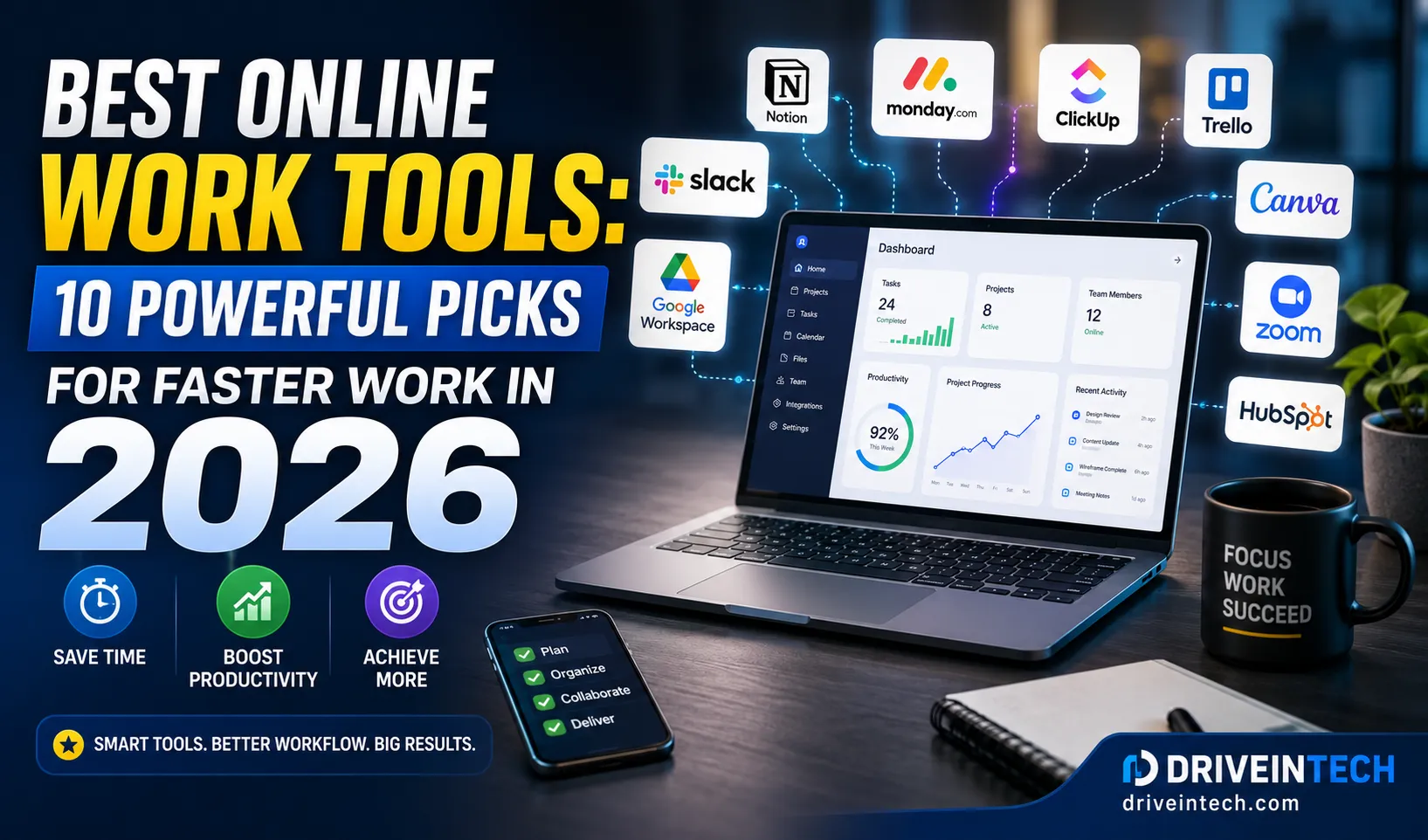
The way we work online has changed dramatically over the past few years. In 2026, AI assistants, automation platforms, cloud collaboration, and smarter productivity systems are no longer optional—they’re becoming essential.
Whether you’re a freelancer, remote employee, content creator, entrepreneur, or business owner, the right digital toolkit can save hours every week, reduce repetitive work, and help you stay competitive in an increasingly AI-driven world.
The challenge isn’t finding tools. It’s finding the best online work tools that genuinely improve productivity without adding complexity.
In this guide, we’ll explore the top tools professionals are using in 2026, why they’re gaining popularity, and how they can help you work smarter, not harder.
Table of Contents
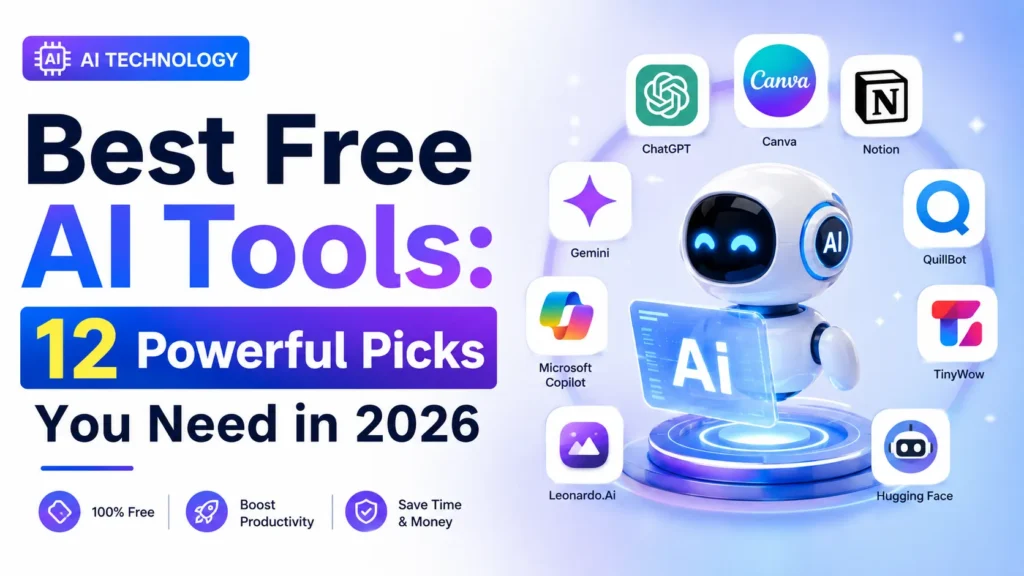
Why Online Work Tools Matter More in 2026
Artificial intelligence, cloud computing, digital collaboration, and automation software are transforming modern workplaces.
Today’s professionals need:
- Faster communication
- Better project management
- AI-powered assistance
- Secure cloud storage
- Strong cybersecurity protection
- Efficient digital workflows
The most successful remote teams are combining productivity tools for remote work with AI-driven automation to eliminate repetitive tasks and focus on high-value activities.
Top 10 Best Online Work Tools for 2026
1. ChatGPT – Best AI Productivity Assistant
AI is now a daily work companion, and ChatGPT continues to lead the market.
Why professionals love it:
- Content creation
- Research assistance
- Coding support
- Data analysis
- Customer communication
- Brainstorming ideas
Businesses are increasingly using Open AI tools for business automation to reduce operational costs and improve efficiency.
Best for: Writers, marketers, developers, business owners, and students.

2. Microsoft 365 Copilot – Best for Office Productivity
Microsoft has integrated AI deeply into Word, Excel, PowerPoint, Teams, and Outlook.
Key benefits:
- AI-generated reports
- Meeting summaries
- Spreadsheet analysis
- Smart email drafting
- Workflow automation
For businesses already using Microsoft services, Copilot can significantly improve workplace efficiency.
Best for: Corporate teams and enterprise users.
3. Notion AI – Best Digital Workspace
Notion AI has evolved from a note-taking platform into a complete productivity ecosystem.
Features include:
- AI writing assistance
- Knowledge management
- Team collaboration
- Project tracking
- Content planning
Many startups now consider it one of the best digital tools for work because it combines multiple applications into one platform.
Best for: Teams, startups, content creators.
4. ClickUp – Best Project Management Platform
ClickUp continues to dominate project management in 2026.
Top features:
- Task tracking
- Goal management
- Team collaboration
- AI-powered workflows
- Time tracking
Its growing automation capabilities make it one of the most effective remote work productivity apps available today.
Best for: Agencies, remote teams, and growing businesses.
5. Canva Magic Studio – Best Design Tool
Visual content is critical for marketing, social media, and business growth.
Canva’s AI-powered features allow users to:
- Generate graphics
- Create presentations
- Edit videos
- Build marketing materials
- Design social content
Even non-designers can produce professional-quality visuals within minutes.
Best for: Marketers, bloggers, social media managers.
6. Zapier – Best Automation Software
One of the biggest productivity trends of 2026 is workflow automation.
Zapier connects thousands of apps and automates repetitive tasks such as:
- Lead generation
- Email marketing
- CRM updates
- Social media posting
- Customer onboarding
For businesses seeking automation software, Zapier remains a top choice.
Best for: Entrepreneurs and digital businesses.
7. Google Workspace – Best Collaboration Suite
Google Workspace continues to be essential for online teams.
Core advantages:
- Real-time collaboration
- Cloud-based documents
- Shared calendars
- Video meetings
- Secure storage
Its integration with AI features makes collaboration faster than ever.
Best for: Remote teams and small businesses.
8. Cloudflare Zero Trust – Best Security Tool
As cyber threats continue to increase, cybersecurity and online protection have become major priorities.
Cloudflare Zero Trust helps businesses:
- Secure remote access
- Protect company data
- Reduce phishing risks
- Improve network security
Security tools are no longer optional—they are foundational components of productive online work.
Best for: Organizations handling sensitive information.
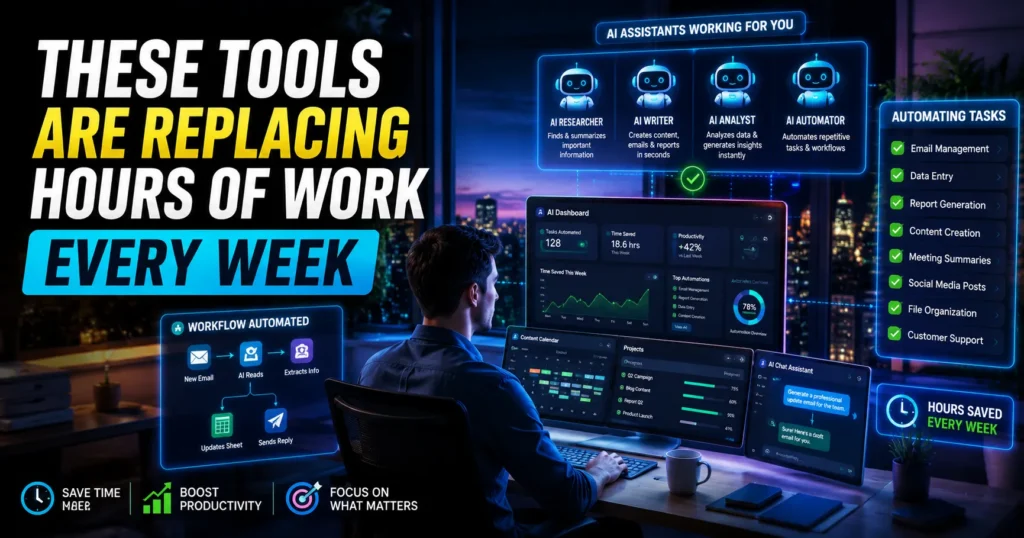
9. GitHub Copilot – Best Tool for Developers
Developers are increasingly relying on AI coding assistants.
GitHub Copilot helps by:
- Generating code suggestions
- Automating repetitive coding tasks
- Improving productivity
- Reducing debugging time
This tool has become a significant advantage for software development teams.
Best for: Developers and software engineers.
10. Loom – Best Video Communication Tool
Long email chains are becoming less effective.
Loom allows users to:
- Record screen tutorials
- Share quick updates
- Provide feedback
- Create training materials
Many organizations report improved communication efficiency after adopting asynchronous video messaging.
Best for: Remote teams, trainers, and consultants.
Comparison Table: Best Online Work Tools in 2026
| Tool | Category | Best For | AI Features |
|---|---|---|---|
| ChatGPT | AI Assistant | Content & Research | Yes |
| Microsoft 365 Copilot | Office Suite | Enterprise Productivity | Yes |
| Notion AI | Workspace | Knowledge Management | Yes |
| ClickUp | Project Management | Teams | Yes |
| Canva Magic Studio | Design | Content Creation | Yes |
| Zapier | Automation | Workflow Automation | Yes |
| Google Workspace | Collaboration | Teamwork | Partial |
| Cloudflare Zero Trust | Security | Data Protection | Limited |
| GitHub Copilot | Development | Coding | Yes |
| Loom | Communication | Video Collaboration | Limited |
Productivity Trends Shaping Online Work in 2026
AI Is Becoming the New Employee
Organizations are increasingly using AI for:
- Customer support
- Content generation
- Workflow management
- Data analysis
- Digital marketing strategies
Cloud Computing Continues to Expand
Cloud computing platforms are making remote work faster and more scalable.
Businesses are moving critical systems to cloud environments because they offer:
- Better flexibility
- Reduced infrastructure costs
- Enhanced collaboration
SaaS Adoption Is Accelerating
Modern SaaS tools for business growth are helping companies scale operations without expensive infrastructure investments.
Security Is a Competitive Advantage
VPN services, data privacy tools, and enterprise software solutions are becoming essential as cyber threats grow more sophisticated.
Quick Productivity Breakdown
Areas Where These Tools Save Time Online
| Work Activity | Average Time Saved |
|---|---|
| Email Management | 3–5 Hours/Week |
| Content Creation | 5–10 Hours/Week |
| Meeting Notes | 2–4 Hours/Week |
| Task Management | 2–6 Hours/Week |
| Workflow Automation | 5–15 Hours/Week |
| Design Creation | 3–8 Hours/Week |
These numbers vary by role but demonstrate why professionals are actively searching for tools that save time online.
Expert Tips for Maximum Productivity
Use the 80/20 Rule
Identify the 20% of tasks that generate 80% of your results and automate the rest.
Combine AI with Human Oversight
AI should accelerate work—not replace critical thinking.
Audit Your Tool Stack Quarterly
Too many apps can reduce productivity. Remove tools that duplicate functions.
Prioritize Security
Always use strong passwords, multi-factor authentication, VPN services, and data privacy tools.
Create Automation First
Before hiring additional staff, explore automation software that may eliminate repetitive work.
Common Mistakes People Make
Using Too Many Productivity Apps
More tools don’t always mean better productivity.
Ignoring Security
Many remote workers underestimate cybersecurity risks.
Automating Poor Processes
Automation amplifies existing workflows. Fix broken processes first.
Paying for Features You Never Use
Review subscriptions regularly and eliminate unnecessary expenses.
Relying Entirely on AI
AI is powerful, but human judgment remains essential for quality work.
Final Thoughts
The future of work isn’t about working longer hours—it’s about leveraging smarter systems.
The best online work tools in 2026 are powered by AI, automation, cloud computing, and intelligent collaboration. Professionals who embrace these technologies are gaining a significant advantage in productivity, business growth, and digital competitiveness.
As AI ecosystems continue evolving and companies invest more heavily in automation, expect online work environments to become even more efficient, personalized, and data-driven. The sooner you adopt the right tools, the better positioned you’ll be for the next phase of digital work.
FAQs on Best Online Work Tools
What are the best online work tools in 2026?
The leading options include ChatGPT, Microsoft 365 Copilot, Notion AI, ClickUp, Canva, Zapier, Google Workspace, Cloudflare Zero Trust, GitHub Copilot, and Loom.
Which productivity tools are best for remote work?
The most effective productivity tools for remote work are ClickUp, Notion AI, Google Workspace, Microsoft Teams, and Loom because they improve communication and collaboration.
What tools save time online the most?
AI assistants, workflow automation platforms, and project management systems typically provide the biggest time savings.
Are AI productivity tools worth paying for?
Yes. Many professionals recover several hours each week using premium AI tools, making them a valuable investment.
Which online tools help freelancers make money?
Freelancers commonly use ChatGPT, Canva, Notion AI, Google Workspace, and automation software to increase productivity and improve client delivery.
What are the best digital tools for work in small businesses?
Small businesses benefit most from ChatGPT, Google Workspace, ClickUp, Zapier, Canva, and cybersecurity platforms that improve efficiency and security.
Can online work tools help with business monetization?
Yes. Many tools support content creation, lead generation, customer management, automation, and digital marketing, which contribute directly to revenue growth.

Israr Ahmed Technology educator and IT professional specializing in networking, cybersecurity, software solutions, and digital systems. Founder of DriveInTech, delivering practical tutorials, AI tools, SEO strategies, and real-world digital solutions.