
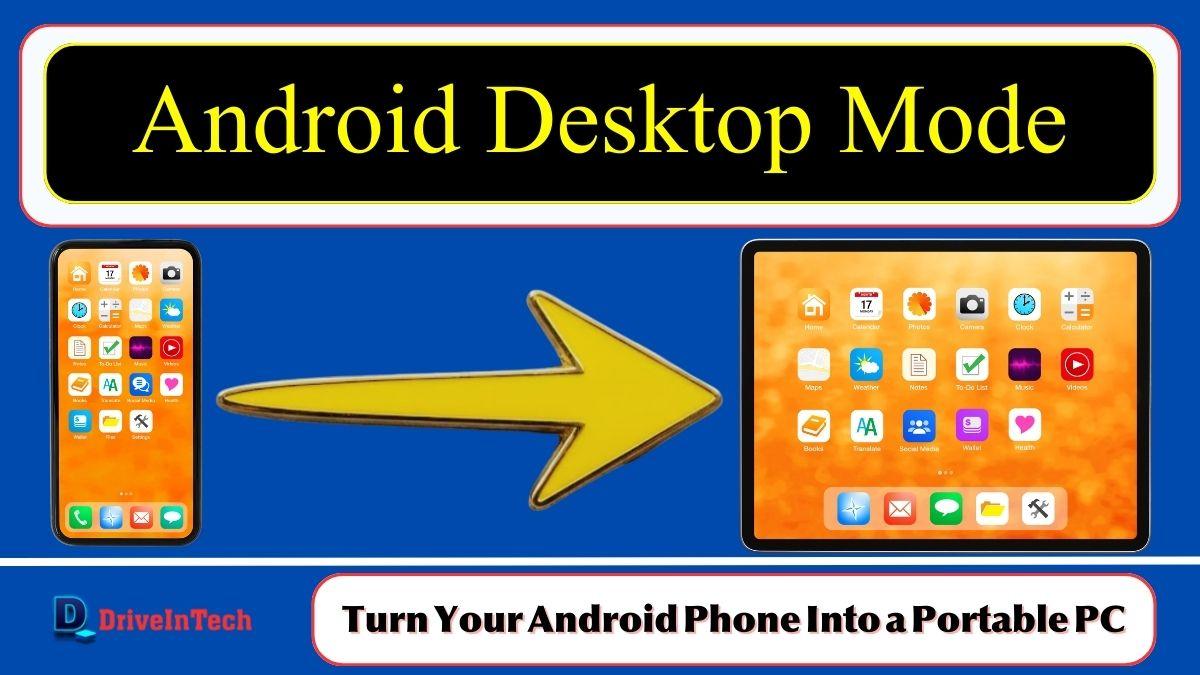
Android Desktop Mode is finally becoming a reality. With Google’s latest update, Android phones can now function more like a portable PC, allowing users to connect their smartphones to an external monitor and work in a desktop-style environment.
Google introduced this feature as part of the March Pixel update, bringing a built-in desktop interface to supported devices. For years, Android users relied on manufacturer-specific solutions like Samsung DeX. Now, Android Desktop Mode is becoming a native feature, meaning more Android phones could support it in the future.
For users in Pakistan, the USA, UK, Canada, and Australia, this update could change how smartphones are used for productivity, remote work, and digital learning.
Table of Contents
Android Desktop Mode: Turning Smartphones Into PC Workstations
The new Android Desktop Mode allows smartphones to behave more like a computer when connected to a monitor.
Once connected through a USB-C cable, users can:
- Use a keyboard and mouse
- Run multiple apps in separate windows
- Resize and organize applications like on a desktop
- Work on a larger screen for improved productivity
This feature is especially useful for professionals, students, and freelancers who want to turn their phone into a mini computer without buying a laptop.
Basic Requirements for Android Desktop Mode
| Requirement | Description |
|---|---|
| Supported Device | Pixel 8 or newer |
| Connection | USB-C to external monitor |
| Input Devices | Keyboard and mouse |
| Android Version | Latest Pixel update |
As Google continues improving Android, this feature could expand to many other Android devices in the coming years.
Android Desktop Mode vs Samsung DeX
Before this update, Samsung was one of the few companies offering a desktop experience through Samsung DeX. Now Google is introducing its own system-level solution.
| Feature | Android Desktop Mode | Samsung DeX |
|---|---|---|
| Availability | Pixel devices (initially) | Samsung flagship phones |
| App Windows | Resizable | Resizable |
| External Display | Yes | Yes |
| System Integration | Native Android | Samsung software |
The advantage of Android Desktop Mode is that it may eventually become part of all Android devices, making the experience more standardized.
Pixel Devices First to Receive Android Desktop Mode
Currently, Pixel 8 series and newer models are the first smartphones to receive the new Android Desktop Mode feature.
Users can connect their Pixel device to an external display and instantly switch to a desktop-style interface. Google has also introduced enhanced window management tools, allowing apps to run in separate windows.
The Pixel Tablet has also gained improved multitasking support. Apps can now be resized and arranged across the screen, giving users a better experience when multitasking.
AI Features Added Alongside Android Desktop Mode
Along with Android Desktop Mode, Google introduced several AI-powered system improvements.

Gemini AI Integration
Google’s Gemini AI assistant is expanding its capabilities. It can now help users perform everyday tasks like:
- Creating shopping lists
- Ordering food
- Booking rides
- Managing reminders
These features are still rolling out gradually, so availability may vary depending on the device and region.
New Display and Smart Features in the Pixel Update
The update also introduces several system enhancements designed to improve usability.
AI-Based Display Filters
New comfort AI filters automatically adjust brightness and colors to reduce eye strain, especially during long screen sessions.
Circle to Search Improvements
Users can now identify clothing items and even preview outfits using visual search technology.
Improved Music Tracking
The Now Playing feature has been upgraded to better recognize and track songs playing around the user.
Smarter Lock Screen Widgets
The At a Glance widget now shows more real-time information such as:
- Sports scores
- Weather updates
- Important reminders
These updates make Android devices smarter and more helpful in daily tasks.
Why Android Desktop Mode Is Important
The arrival of Android Desktop Mode could significantly change how smartphones are used.
Many people already rely on phones for work, communication, and entertainment. With this update, smartphones could potentially replace basic laptops for many everyday tasks.
Key Advantages
- Portable computing setup
- Better multitasking
- Large screen productivity
- Ideal for students and remote workers
For users in developing markets like Pakistan, this could be particularly useful because a smartphone could double as both a communication device and a productivity tool.
Future of Android Desktop Mode
Because Android Desktop Mode is now part of the core Android system, more smartphone brands may adopt it in future updates.
Experts believe upcoming Android versions may include:
- Better keyboard shortcuts
- Improved file management
- Enhanced multi-window support
- Compatibility with more devices
If Google continues improving the feature, Android phones could eventually compete with lightweight laptops for everyday productivity tasks.
Android Desktop Mode FAQs
What is Android Desktop Mode?
Android Desktop Mode allows users to connect their smartphone to an external monitor and use it like a desktop computer with keyboard and mouse support.
Which phones support Android Desktop Mode?
Currently, the feature is available on Pixel 8 devices and newer models through the latest Pixel update.
Can Android Desktop Mode replace a laptop?
For basic tasks like browsing, document editing, and multitasking, Android Desktop Mode can act as a lightweight laptop alternative.
Do I need special accessories for Android Desktop Mode?
Yes. You need a USB-C monitor connection, and optionally a keyboard and mouse for better control.

Israr Ahmed Technology educator and IT professional specializing in networking, cybersecurity, software solutions, and digital systems. Founder of DriveInTech, delivering practical tutorials, AI tools, SEO strategies, and real-world digital solutions.